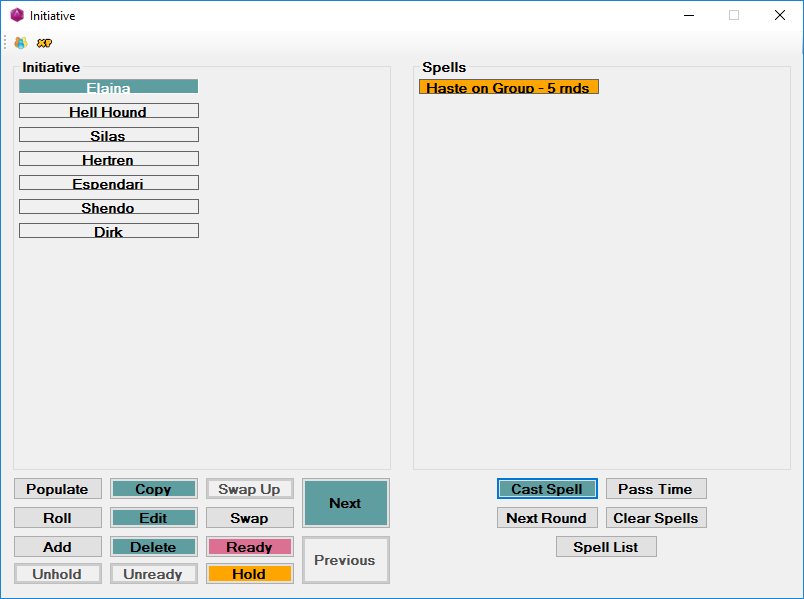
This is the screen for Initiative and Spell Tracking. You can enter duration spells, who they are cast on and the number of rounds they last. It will remember the initiative roll of the person that cast the spell, so that when the duration expires, it expires on the initiative it was cast on, just in case the caster's initiative changes because of Holding or Readying an Action.
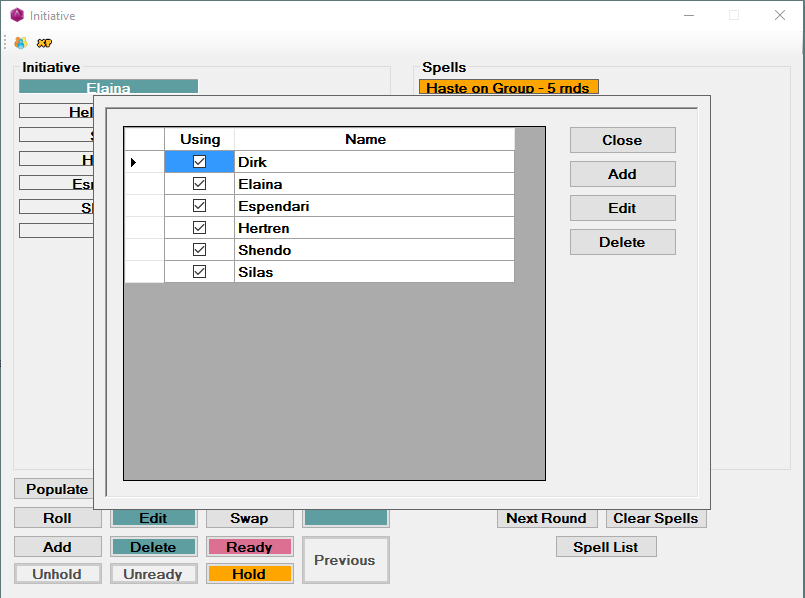
You can have multiple sets of characters in the list and you check the "Using" checkbox for them to show up on the rolling screen.
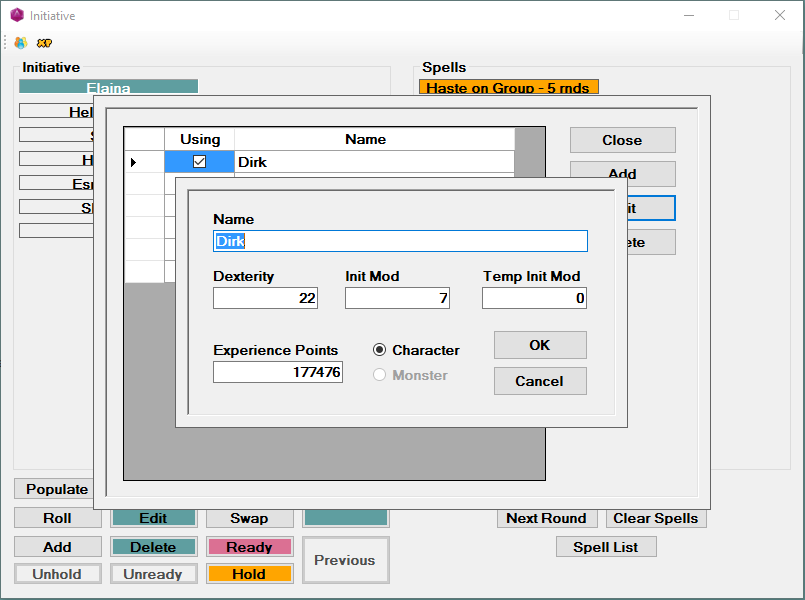
You can edit the character to change Dexterity, Initiative Modifier, Temporary Initiative Modifier and Experience Points.
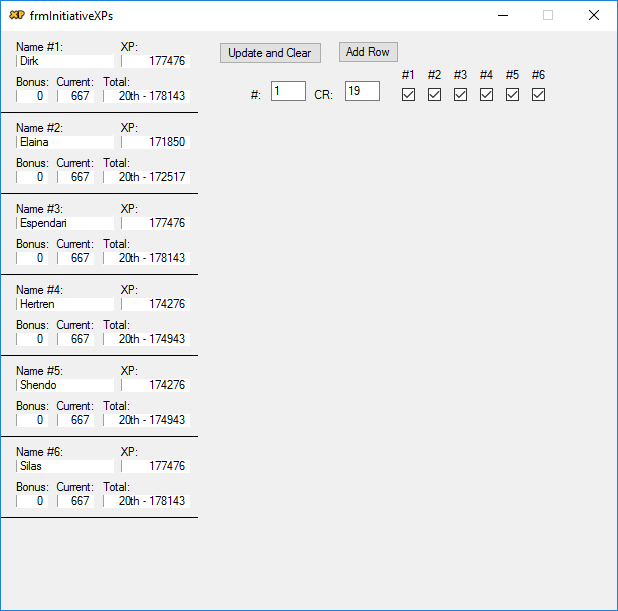
After a battle, you can put in the CR and number of
monsters killed. Then you check the characters that get experience
points (amounts from the Experience
Point screen) from the encounter. If a character gets enough
Experience Points to gain a level, the background of their Total box will
turn red. Once the characters have returned safely to town, you can
click the Update and Clear button to add Bonus and Current to the XP box
to clear them.